Quick Tour
Note
This page is a quick overview of the main ToastHost screens and where to find things. For step-by-step guides, use the linked pages.
Overview
ToastHost is organized around your club workspace. From there, you can view meetings, sign up for roles, track education, and (if you’re an officer) configure club settings.
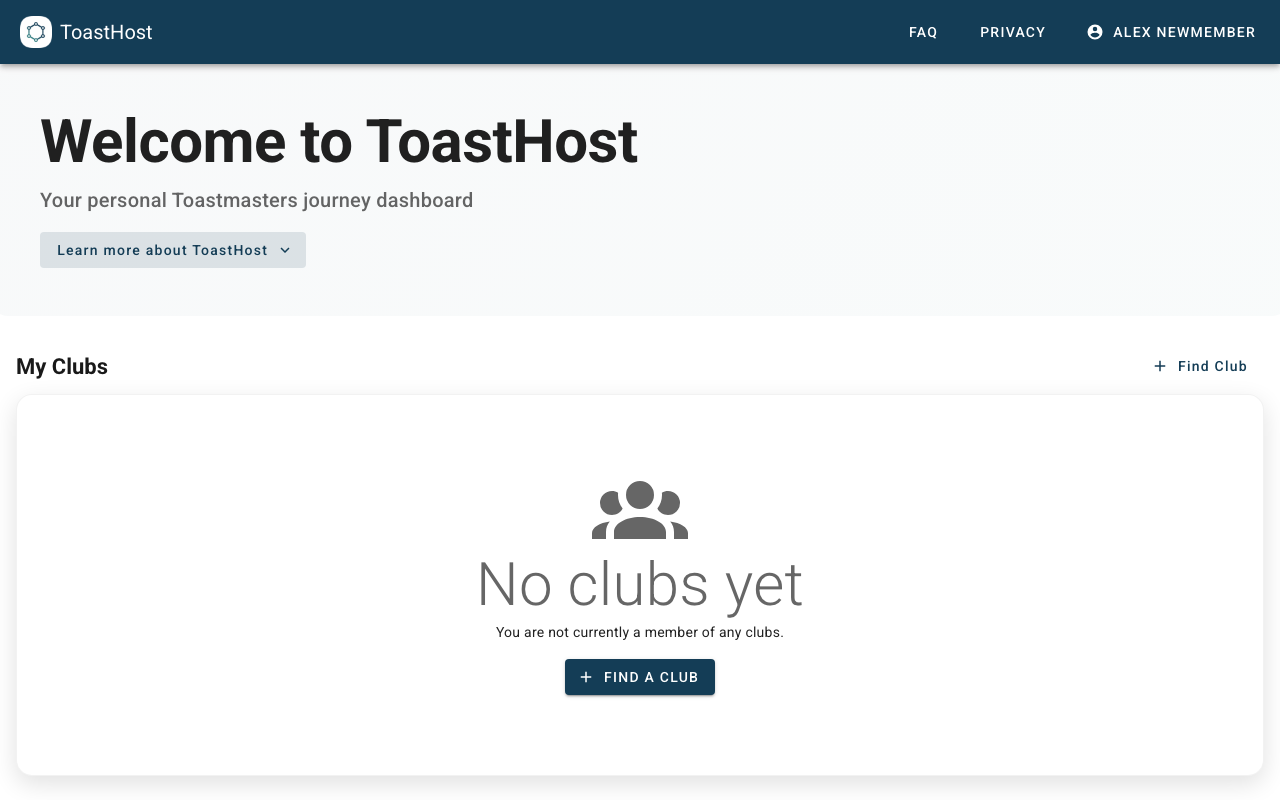
1. Start from your home dashboard
After signing in, you land on your home dashboard. From here you can:
- Open an existing club workspace
- Use Find a Club to locate your club (and request access if needed)
2. Open your club workspace
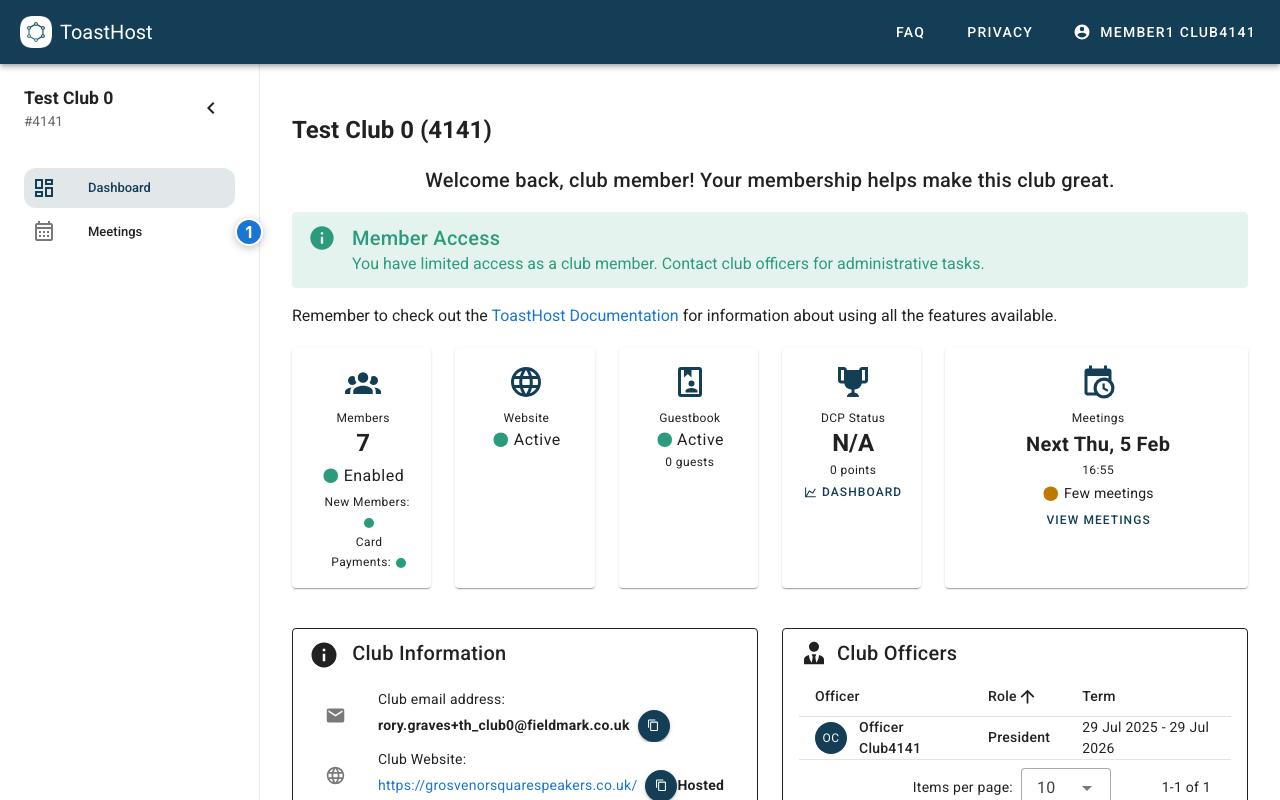
Each club has its own workspace with a sidebar for navigation.
Most users will use:
- Dashboard – club overview and quick links
- Meetings – upcoming meetings and meeting history
- My Pathways – your education progress (if enabled)
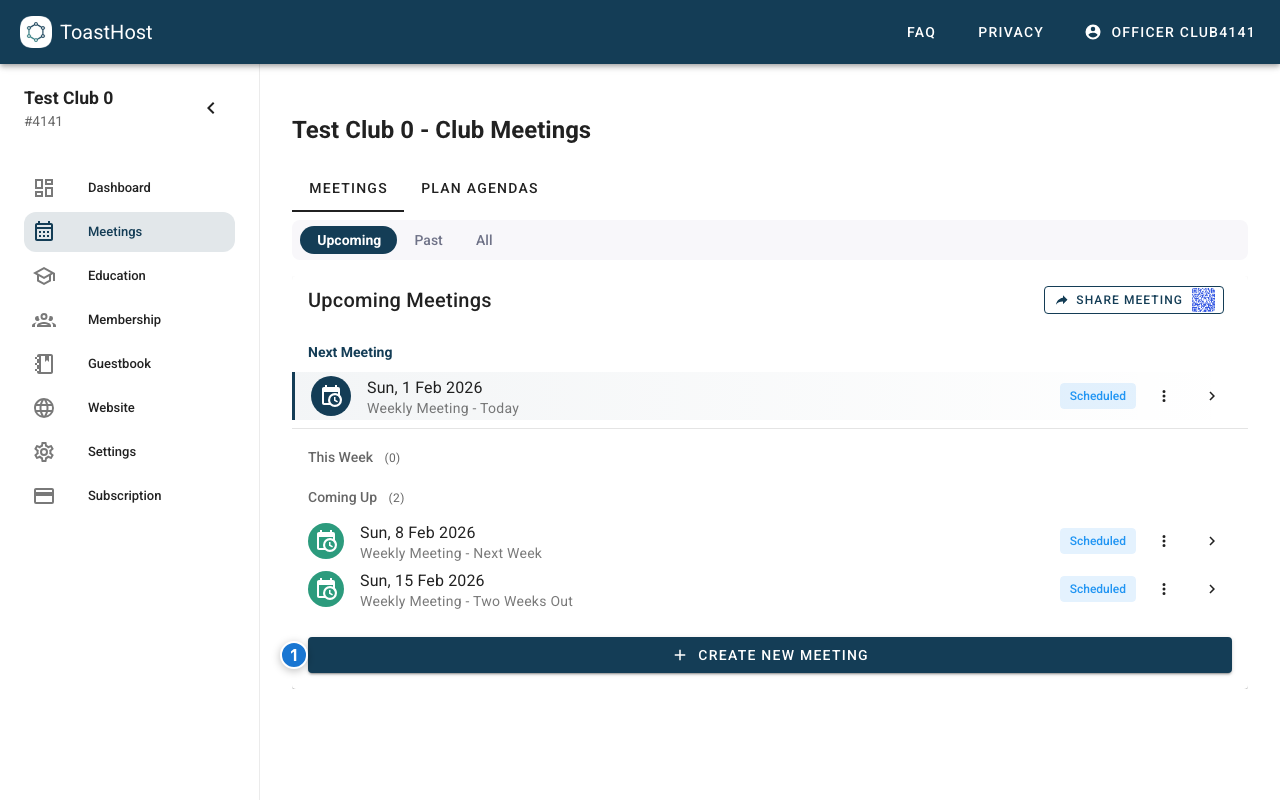
3. Meetings (the main workflow)
The Meetings page is where you:
- Open a meeting to view the agenda and roles
- Sign up for available roles (if enabled)
- For officers: create new meetings
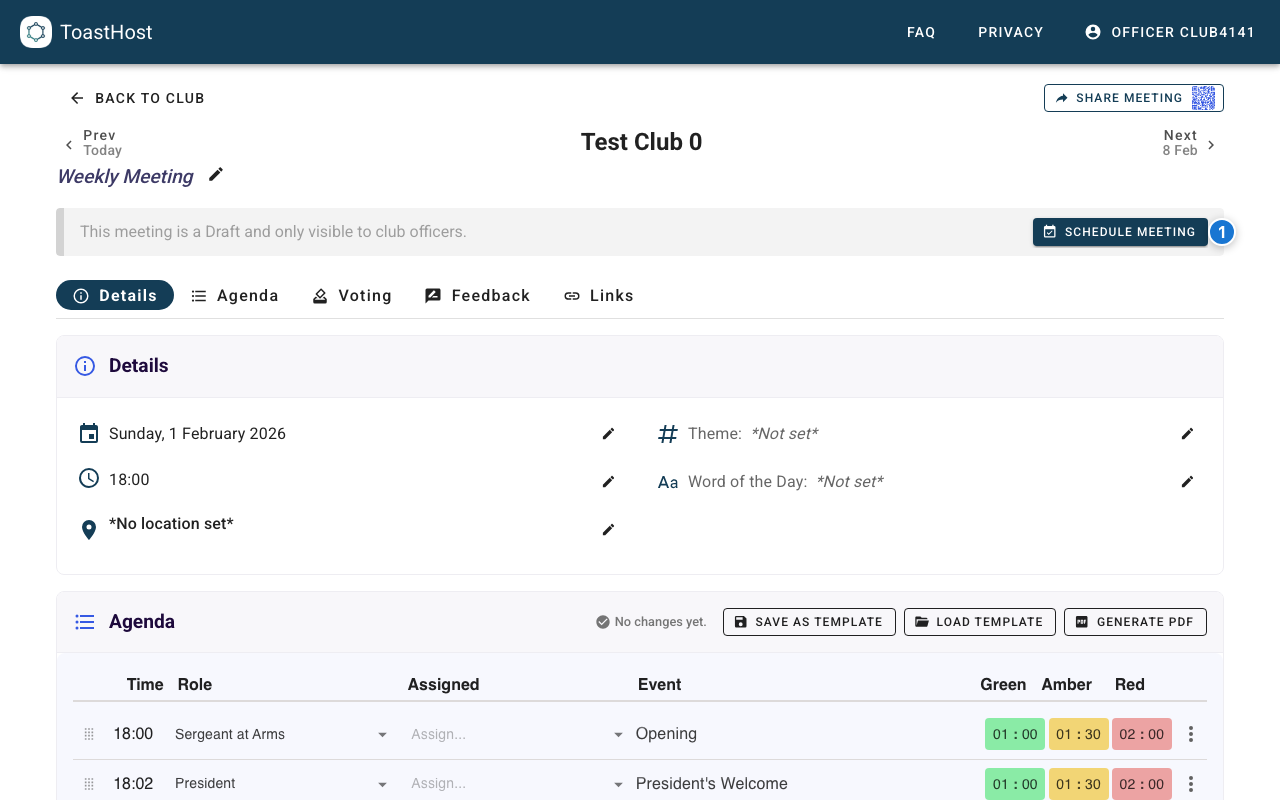
Inside a meeting
From a meeting page, you can see the agenda, role assignments, and meeting actions.
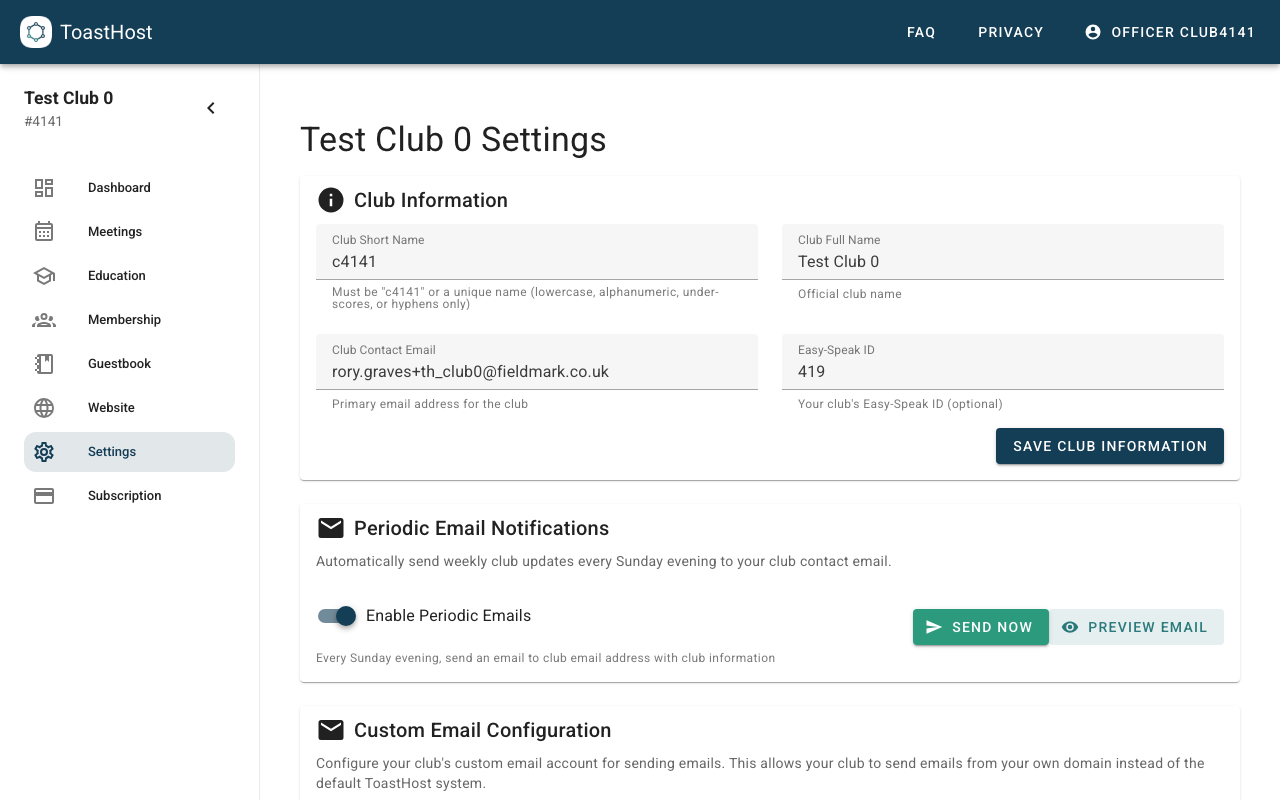
4. Officer tools (if you’re an officer)
If you’re a club officer, you will also see management sections in the sidebar:
- Settings – club information, meeting schedule defaults, and email configuration
- Website – public website configuration and images
- Guestbook – guest registration and follow-up emails
- Membership – roster, payments, and data import
- Analytics – club performance dashboards
Tips
- Use Find a Club if you’re not sure what your club URL is
- Explore each section to familiarize yourself with available features
- Bookmark frequently used pages
- Check the FAQ if you can't find something
Related Topics
- Creating an Account
- Finding a Club
- Your Dashboard
- Attending Meetings
- Role Signup
- Club Setup (officers)
- Meeting Management (officers)