Attending Meetings
Overview
Use the meeting page to RSVP before the meeting and participate during the meeting.
Before the Meeting
Open the Meeting
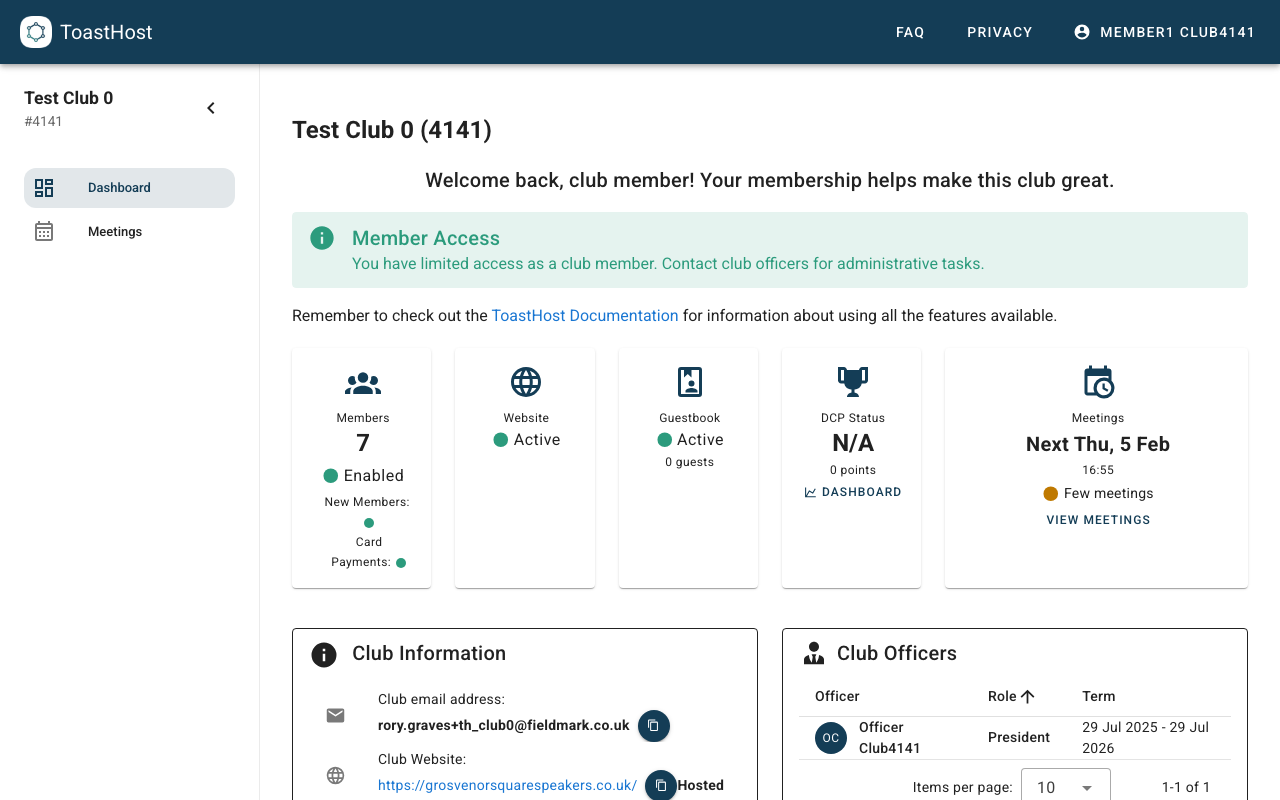
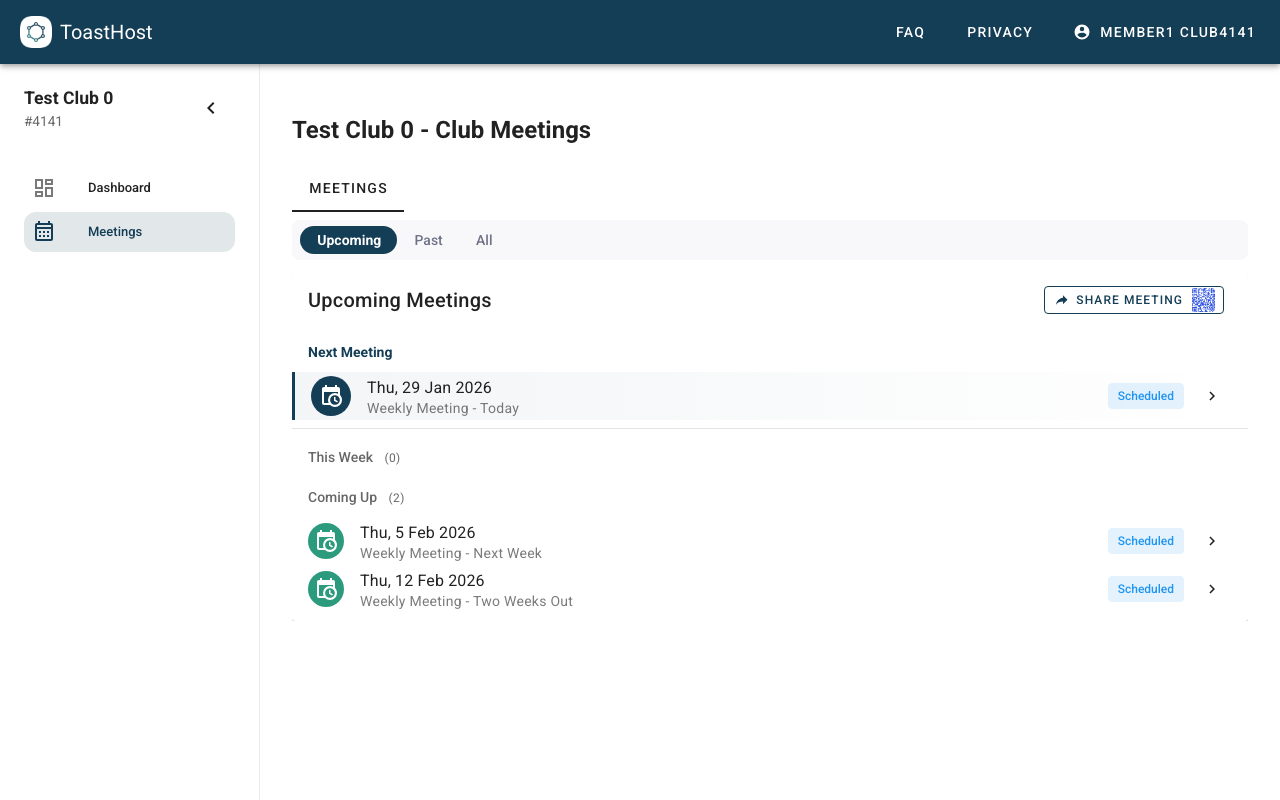
- Go to Meetings in the sidebar.
- Open the scheduled meeting you plan to attend.
Set Your RSVP
On scheduled meetings, the top of the Details tab shows an RSVP banner.
- Pick Attending, Maybe, or Not attending.
- Your current RSVP is shown in a compact status state.
- Use Change any time before the meeting starts.
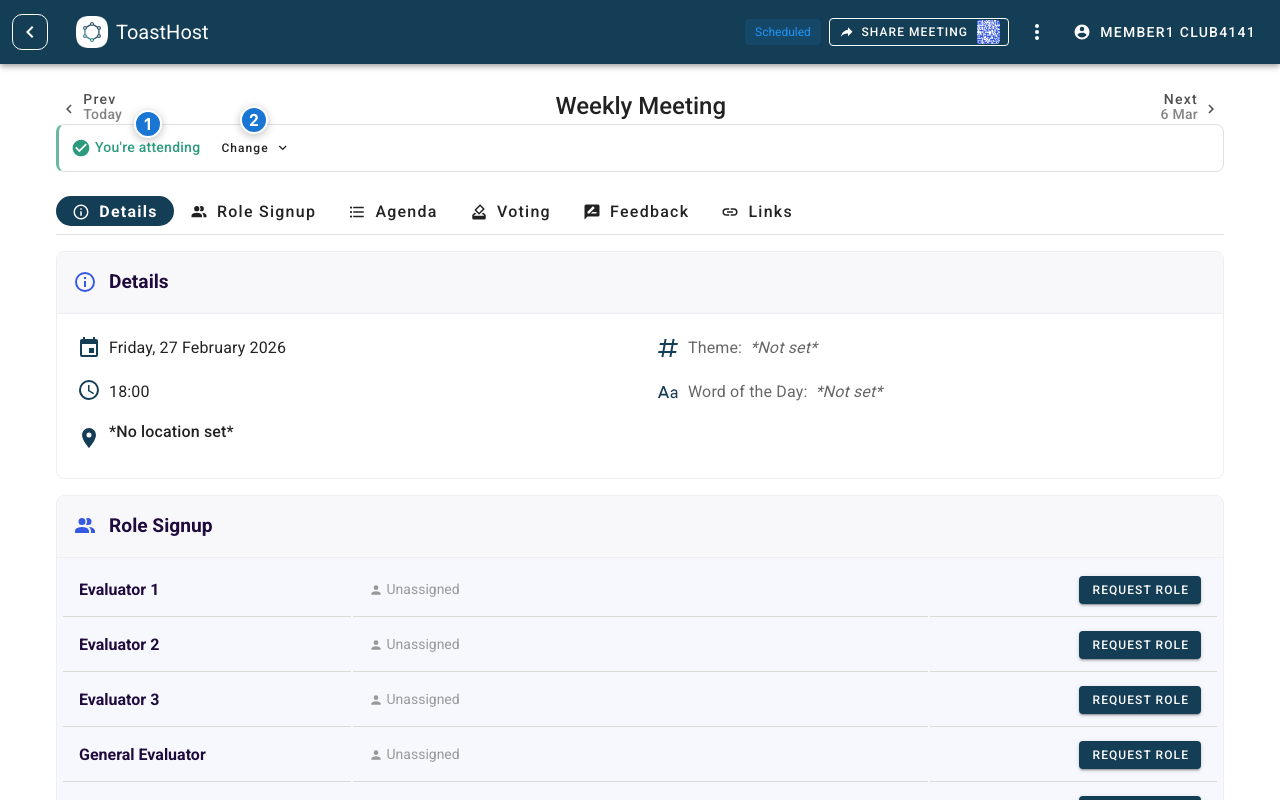
Callouts in the screenshot:
- Your current RSVP status.
- Change re-opens RSVP options.
Change or Remove Your RSVP
- Click Change in the RSVP banner.
- Select a different option:
- Attending
- Maybe
- Not attending
- The banner updates immediately.
During the Meeting
- Once the meeting starts, the RSVP banner is hidden.
- Use the meeting tabs to follow agenda flow, vote, and give feedback.
After the Meeting
After officers finish the meeting, use the meeting page to review outcomes:
- Voting results
- Feedback you received in ToastHost
- Final meeting details
If you were a speaker, you may also receive your collected feedback by email after the meeting is finished.