Your Pathways
Documentation in progress
This page is being expanded with detailed instructions. Check back soon for complete content!
Overview
The Pathways education program is Toastmasters International's learning experience. ToastHost helps you track your progress and request speech opportunities aligned with your pathway.
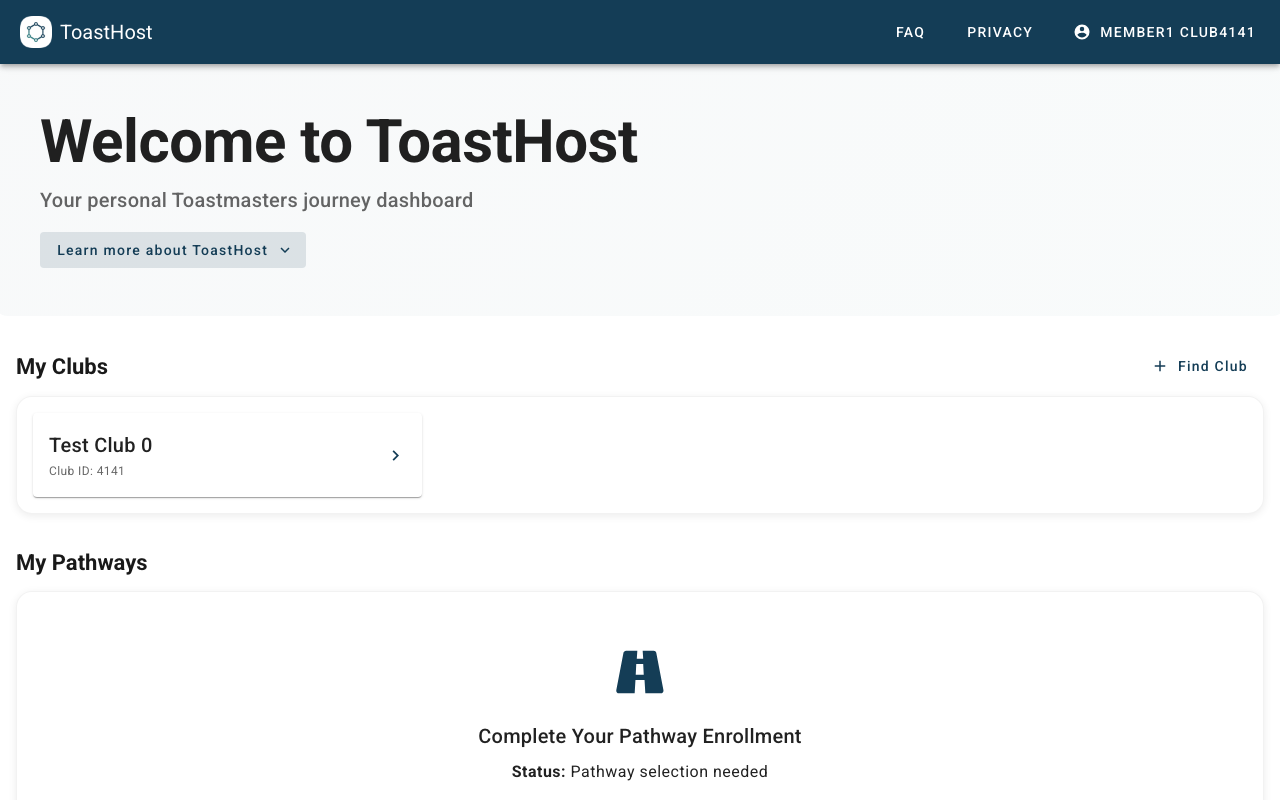
Viewing Your Pathway
Access Your Progress
- Go to My Pathways in the sidebar (or via your dashboard)
- View your enrolled pathway(s)
- See your current level and completed projects
Understanding the Display
- Current Level - Your progress tier (e.g., Level 1, Level 2)
- Completed Projects - Projects you've finished
- Remaining Projects - What's needed to advance
- Elective Status - Optional projects completed
Enrolling in a Pathway
If you haven't enrolled yet:
- Navigate to My Pathways
- Click Enroll in Pathway
- Select your chosen pathway
- Confirm enrollment
Tracking Progress
Completed Projects
When you complete a project in Base Camp (Toastmasters' online learning platform), you can mark it complete in ToastHost to keep your records synchronized.
Requesting Speeches
Use the Speech Requests feature to request speaking slots that align with your pathway projects.
Tips
- Keep ToastHost in sync with your Base Camp progress
- Plan ahead - some projects require specific meeting formats
- Ask your VP Education for guidance on project selection
Common Questions
Which pathway should I choose?
Review the pathway descriptions on Toastmasters International's website. Consider your goals and interests.
Can I switch pathways?
Yes, you can change pathways at any time. Consult with your club's VP Education.
How do I mark a project complete?
Use the progress tracking feature in ToastHost, or ask your VP Education to update your records.
Related Topics
- Speech Requests
- Role Signup
- Pathways Chart (for officers)